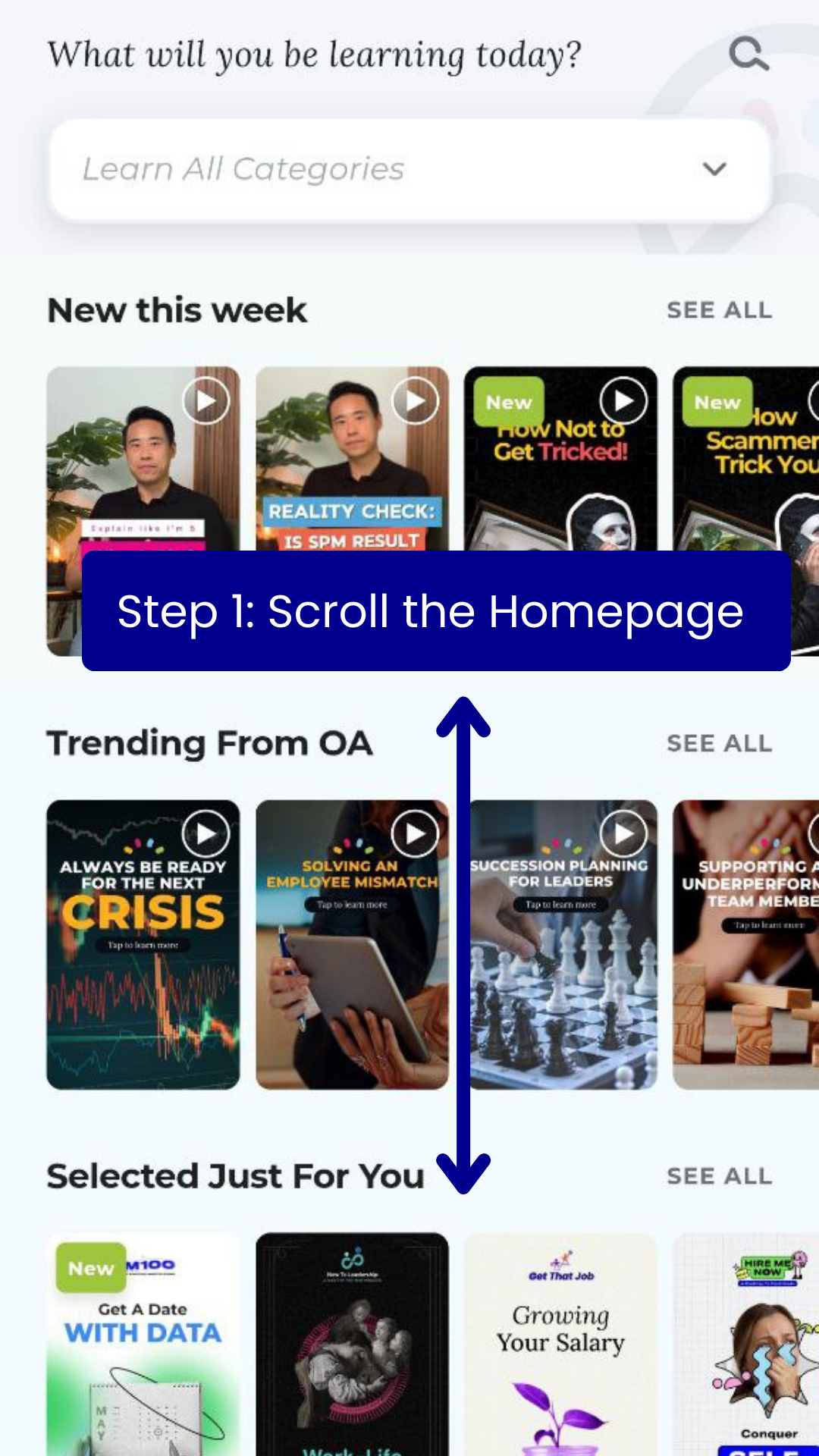
Scroll the homepage / the learn page. Till you reach OpenAcademy Originals
Step 2
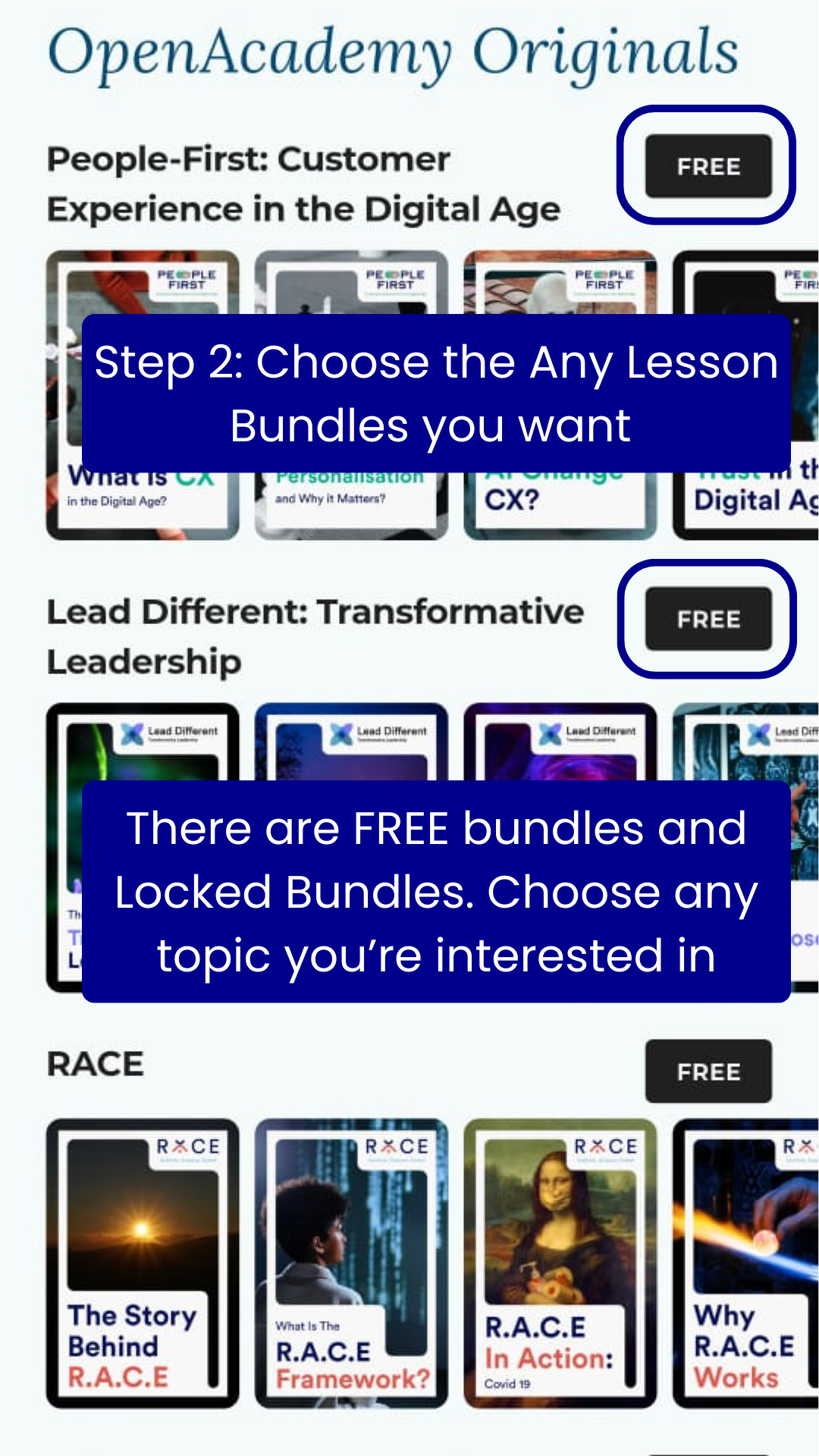
Choose any lesson bundles that you’re interested in. There are many topics to choose from.
Step 3
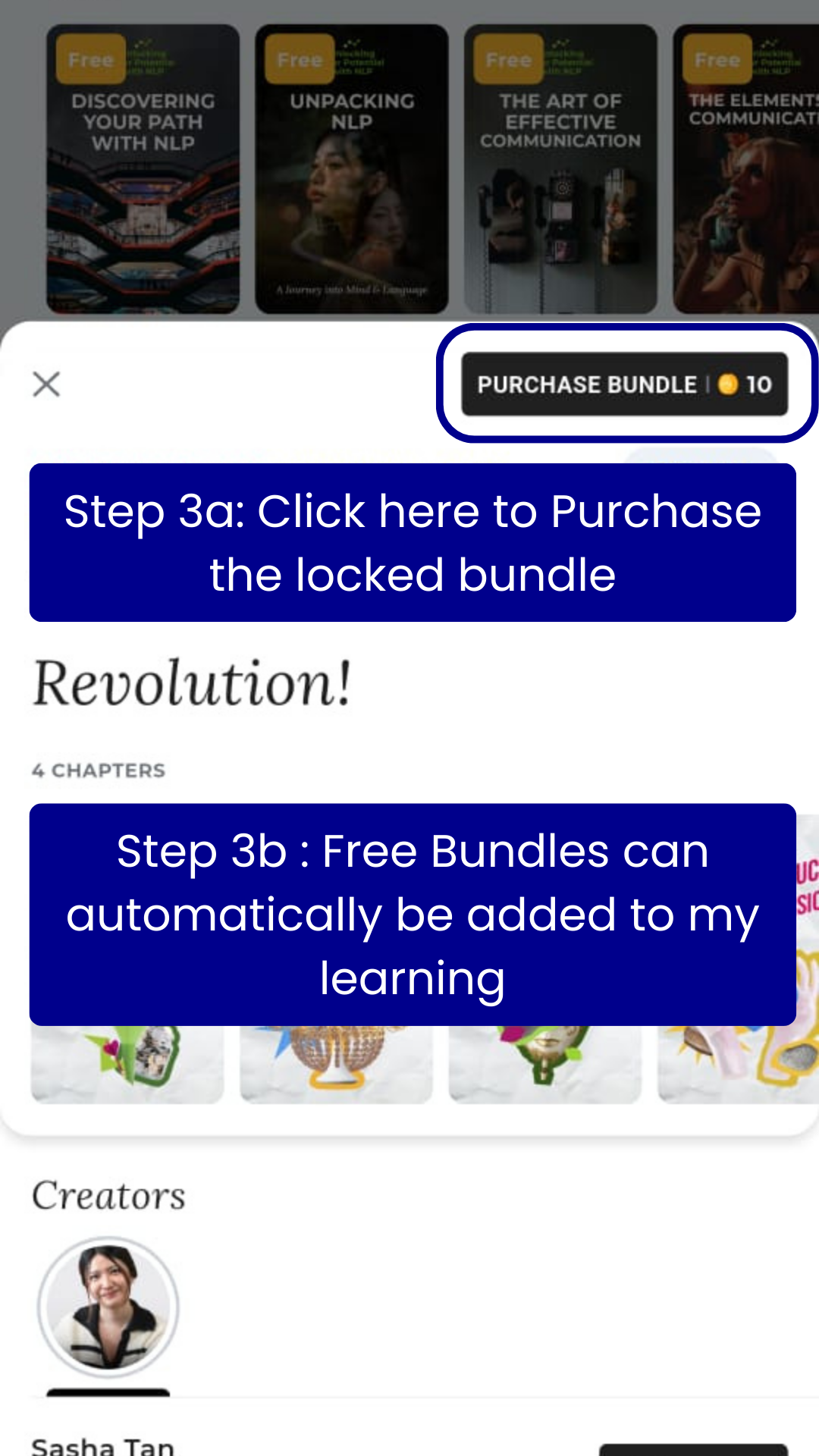
Click on the Free / Purchase Bundle option
Step 4
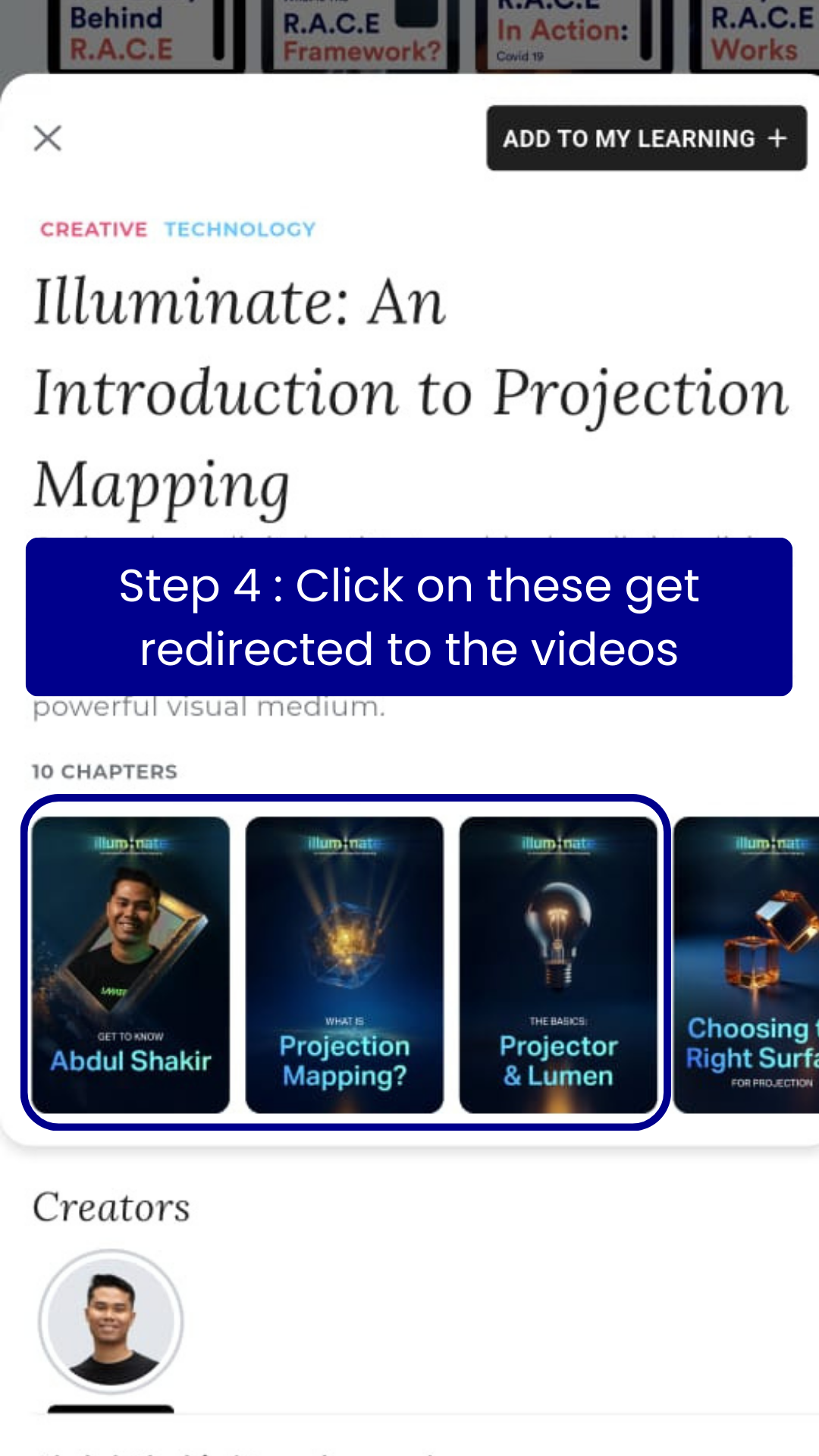
Click on the chapter icons that you see below.
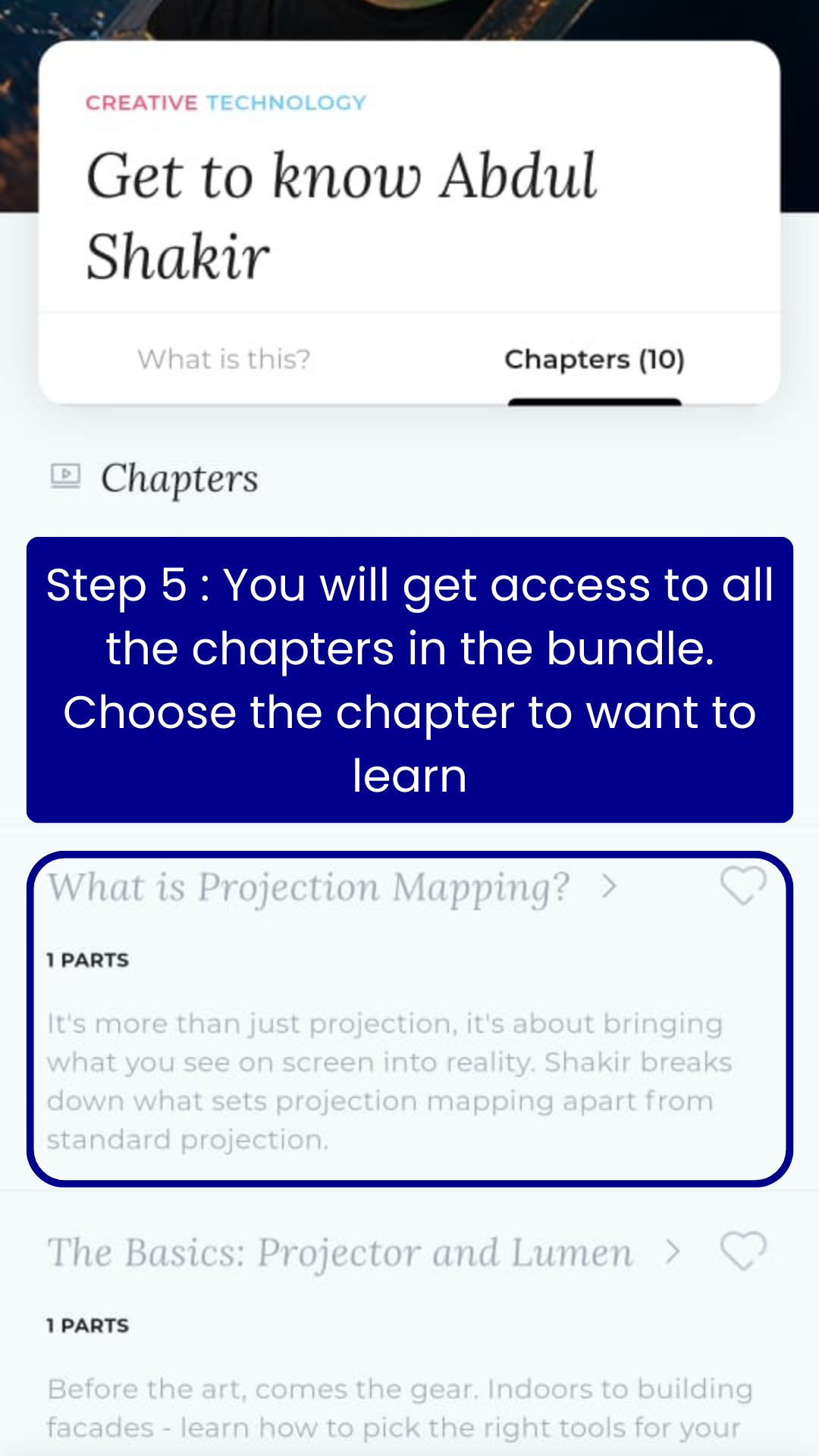
Step 5
You will get access to all the chapters of the bundle. Each chapter is a video of its own. Choose which video you want to watch based on the chapter titles.
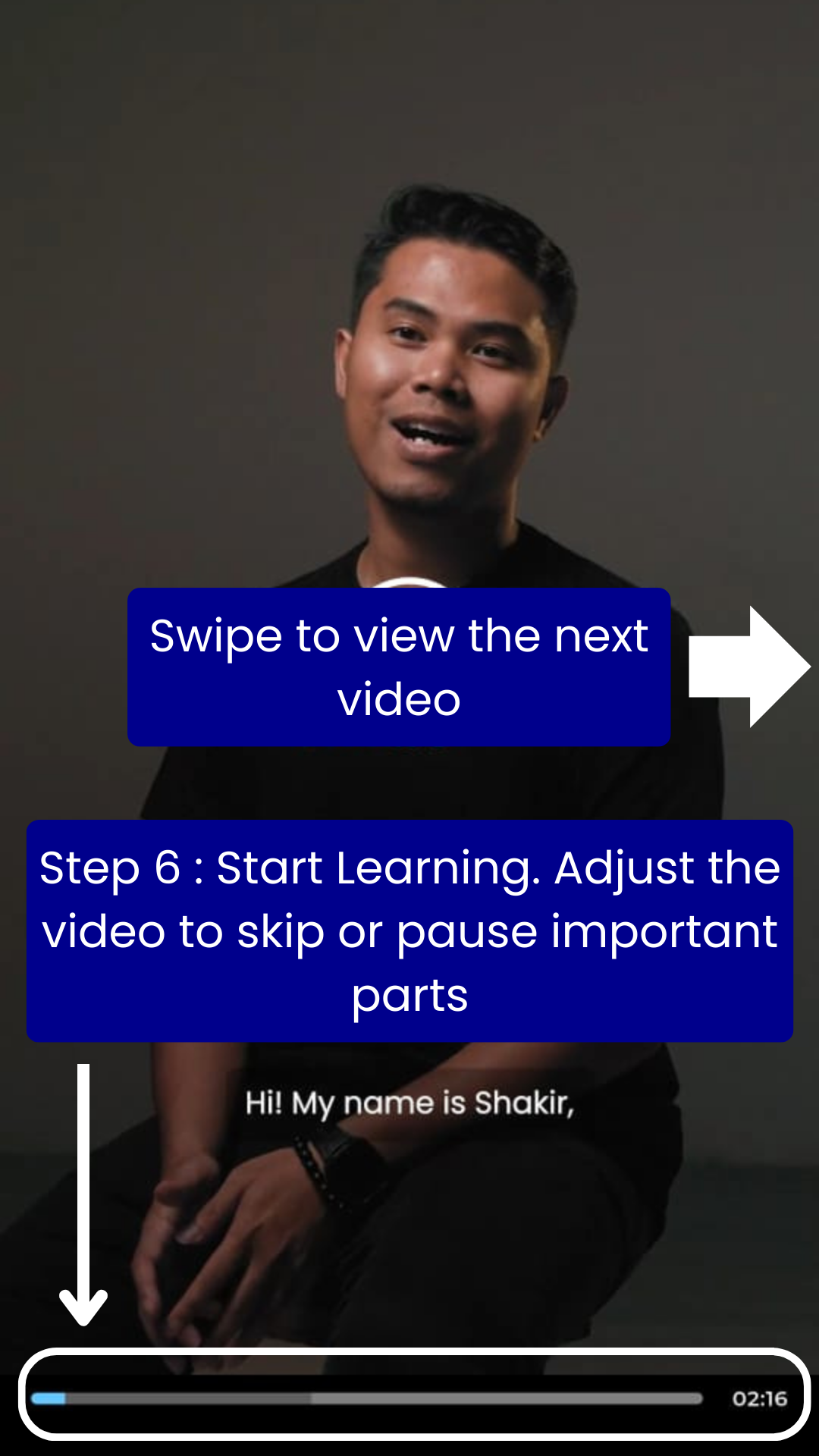
Step 6
You can now start watching the video. Move the video bar below to skip the video, tap / swipe to the right of the screen to go to the next video.